Free on Google Play

Record. Trim.
Share.

A simple, high-quality audio recorder for voice memos, lectures, meetings, interviews, music ideas and personal notes. Tap once to record, trim it right in the app, then share it or save it to Google Drive.
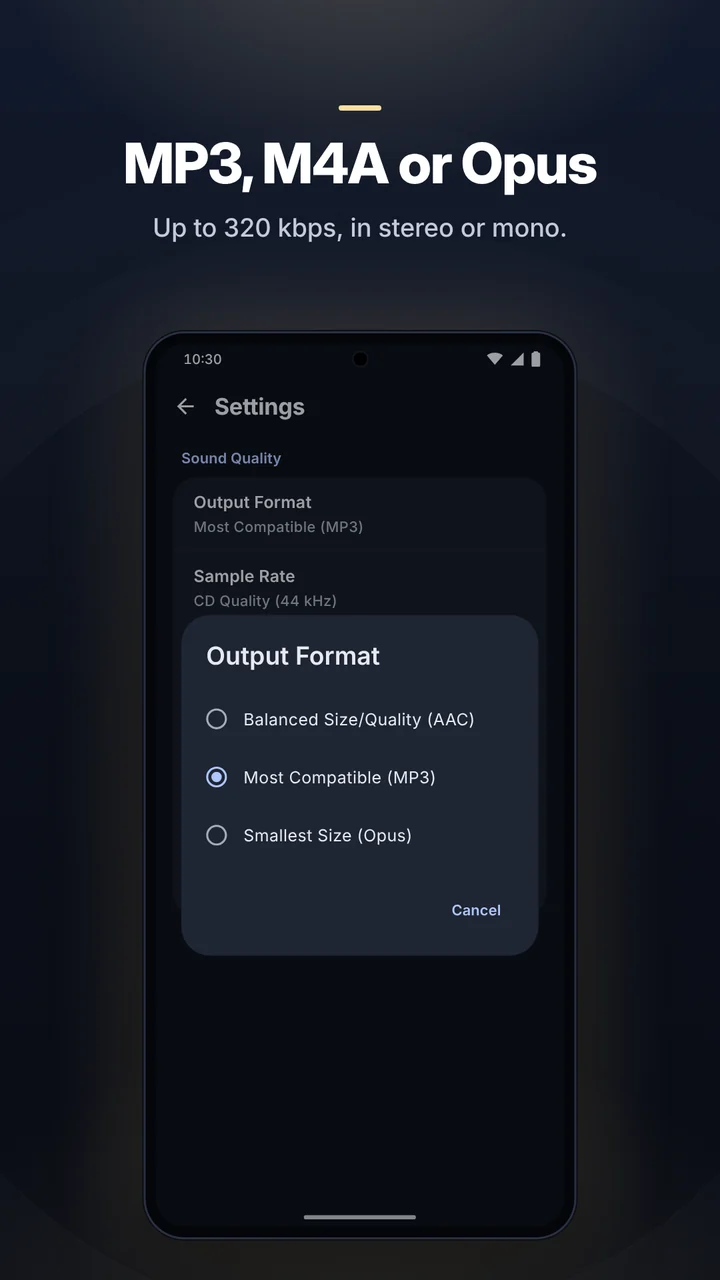
MP3 · M4A · Opusup to 320 kbps
0.5× – 3×playback speed
10languages
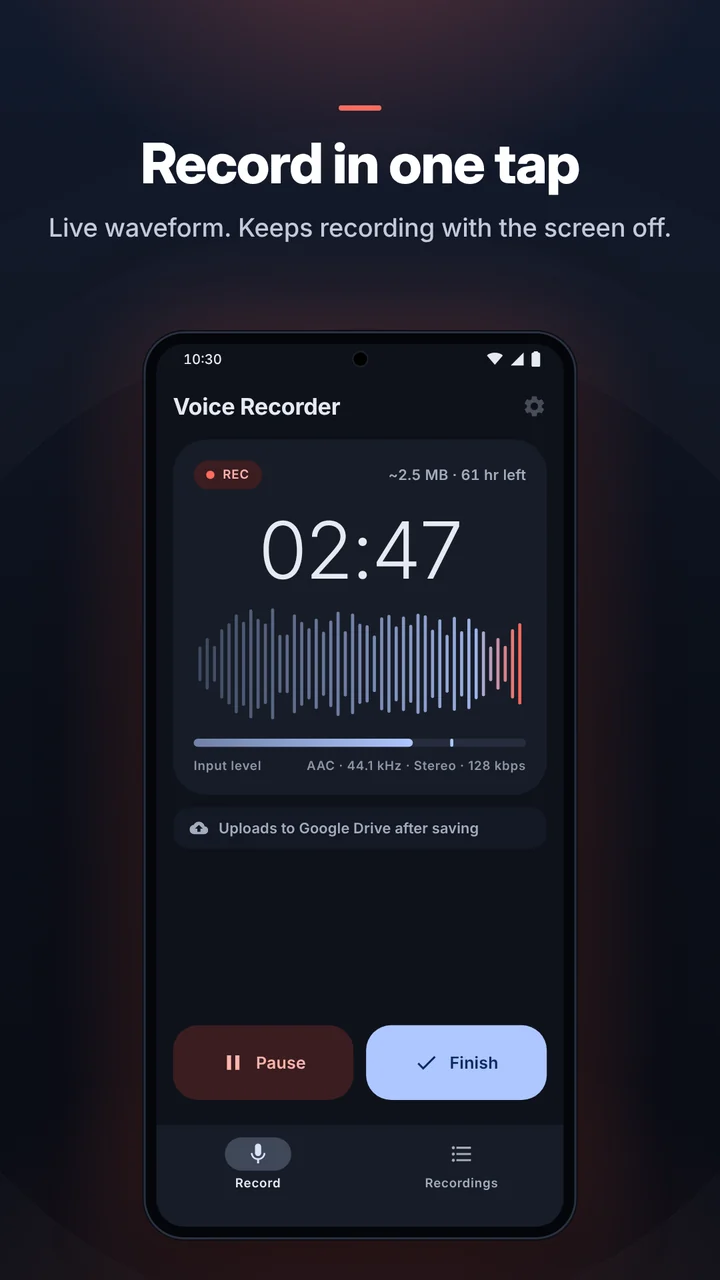
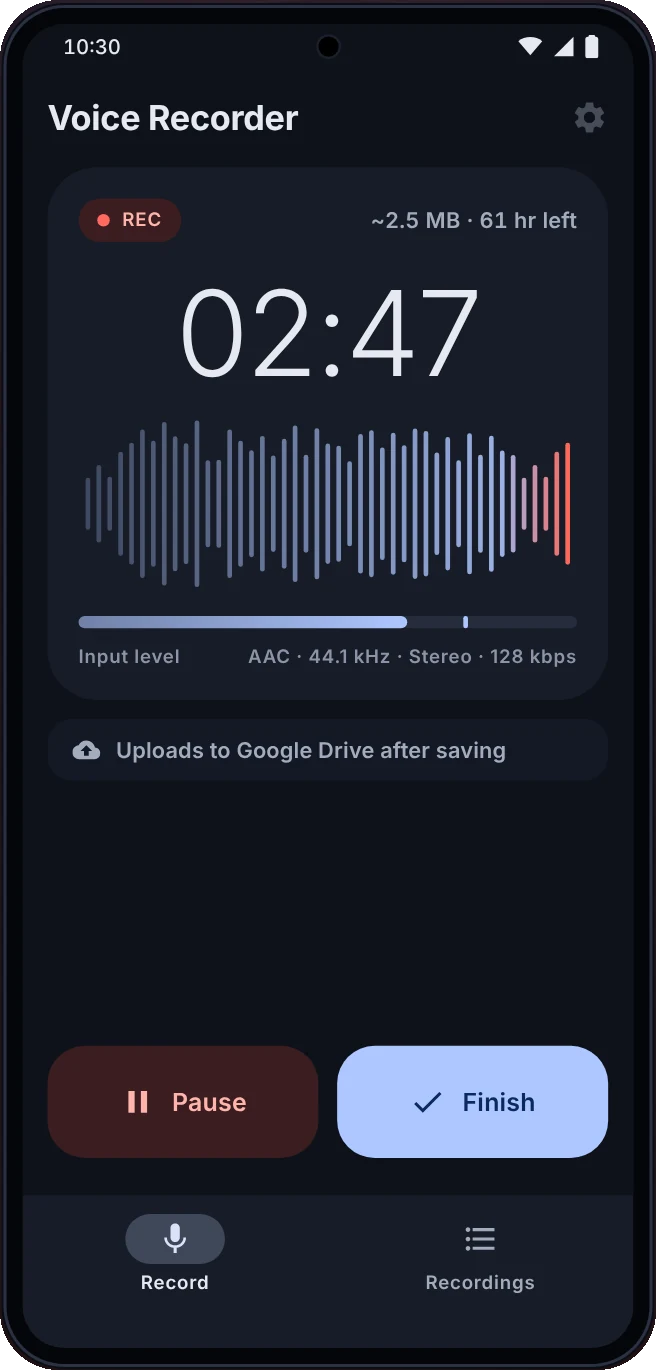
Voice Recorder recording screen with a live waveform
REC 02:47
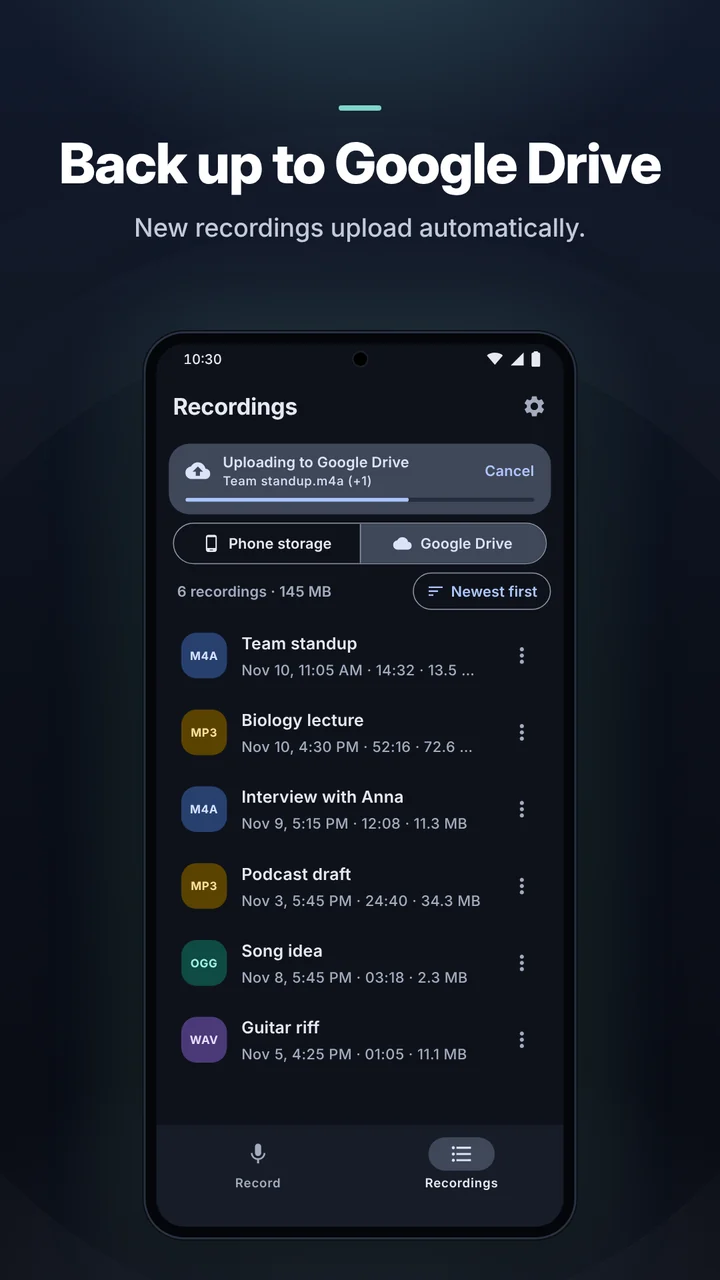
Uploaded to DriveTeam standup.m4a
Trimmed · no quality loss
Features

Everything you need to capture sound

Powerful where it matters, simple everywhere else.

High-quality recording

  • Record for as long as you need
  • MP3, M4A (AAC) or Opus (Android 10+)
  • Bitrate 64–320 kbps, sample rate 8–44.1 kHz
  • Stereo or mono, front or rear microphone
  • Live waveform and input level with a too-loud warning

Reliable in the background

  • Keeps recording with the display off
  • Pause and resume from the notification
  • Recovers audio if the system closes the app mid-recording

Audio editor

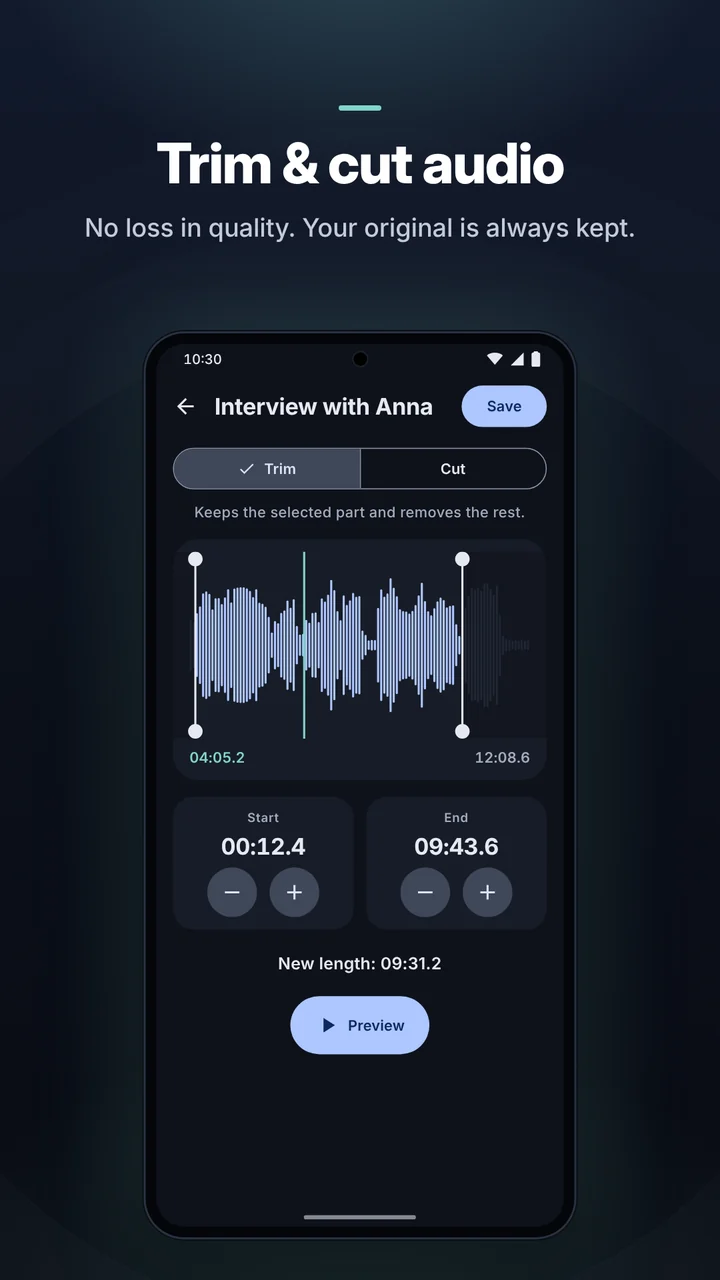
  • Trim to keep only the part you need
  • Cut out the middle and join the rest
  • Fine-tune in 0.1 second steps and preview
  • No quality loss, and your original is always kept

Built-in player

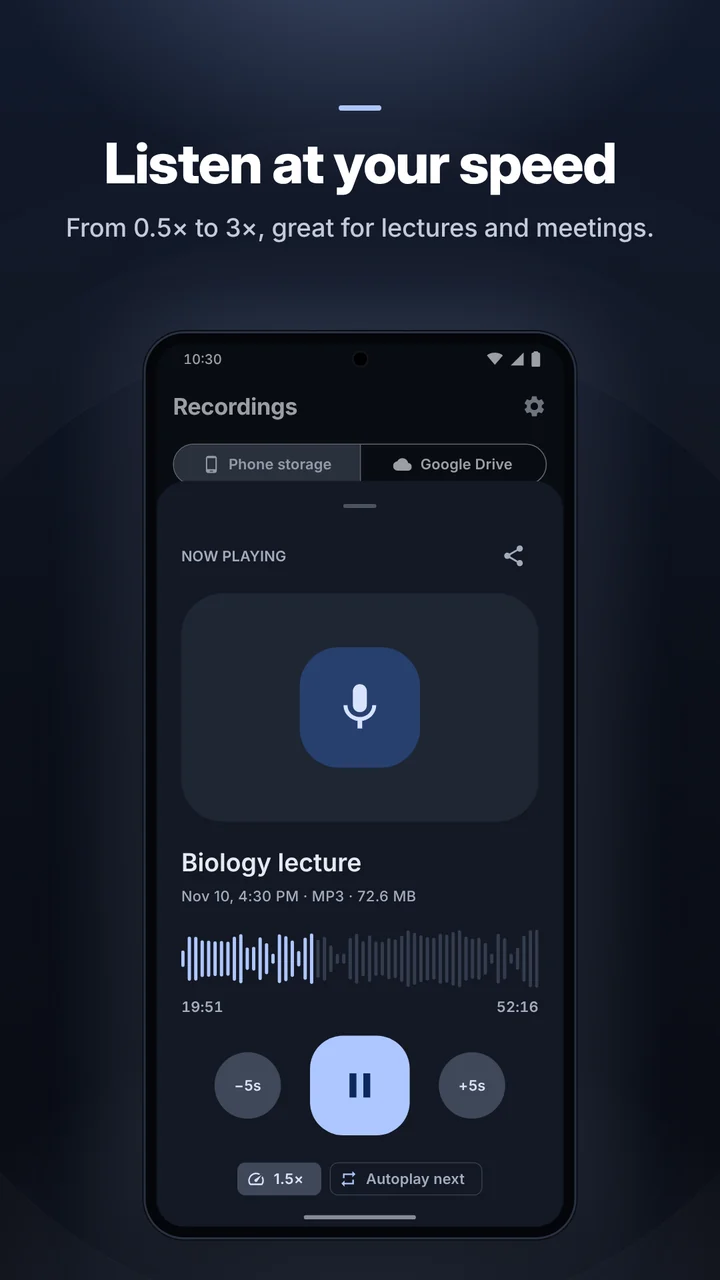
  • Seek bar showing the real waveform
  • Playback speed from 0.5× to 3×
  • 5 second skips and autoplay next
  • Lock-screen and notification controls

Manage & share

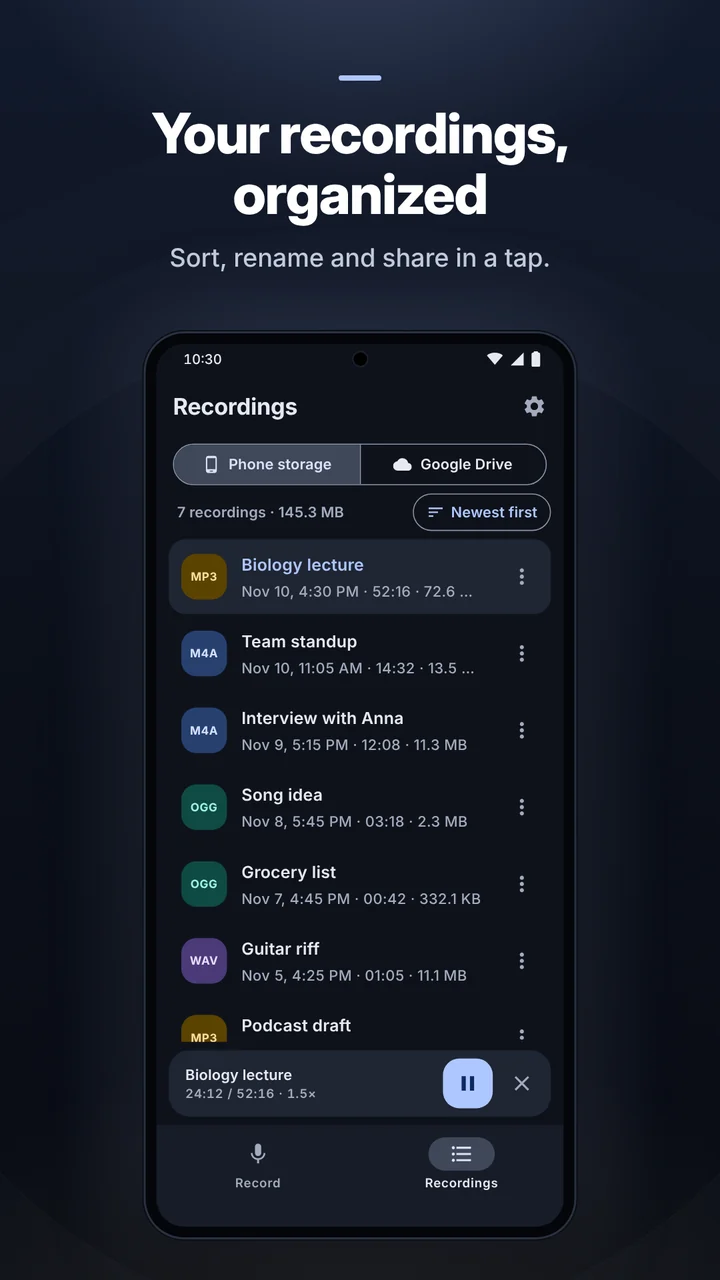
  • Save to app storage or any folder you pick
  • Rename, delete, view details, sort
  • Share by email, chat or any app
  • Automatic file names by date or your prefix

Google Drive backup

  • Upload new recordings automatically
  • Uploads wait for a connection in the background
  • Play, rename, download and share from Drive

Simple, modern design

  • Clean interface with light and dark themes
  • Available in 10 languages

Your settings

  • Turn off automatic gain control for a natural sound
  • See how much recording time is left
Audio editor

Trim & cut, without losing quality

Drag the handles on the waveform or nudge them in 0.1 second steps, listen to a preview and save. Works with MP3, M4A and Opus, and your original recording is always kept.
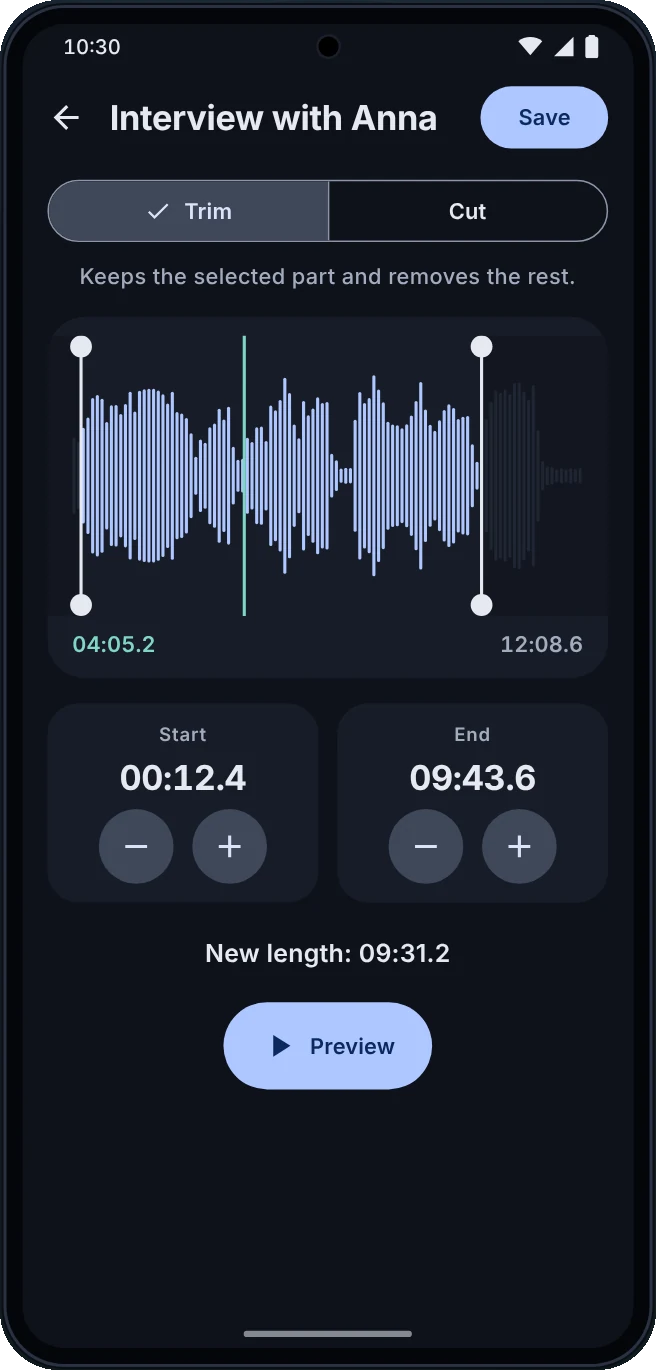
Audio editor trimming a recording
Player

Listen at your speed

From 0.5× to 3× in fine steps: perfect for replaying lectures and long meetings. The seek bar shows the real waveform, so you can jump straight to the part that matters.
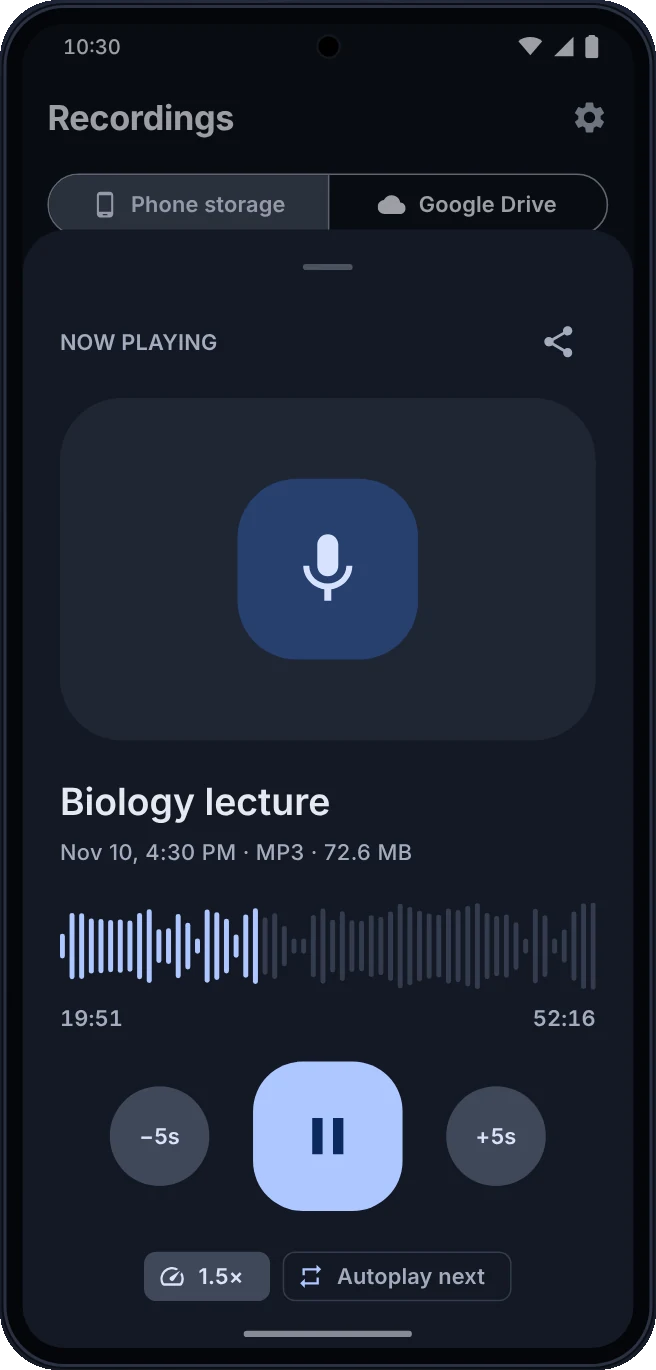
Player with waveform seek bar and speed control

Take a closer look

Swipe through the app.

Made for every kind of recording

Students

Record lectures and classes, then replay them at a faster speed.

Work

Record meetings, interviews and talks so nothing is missed.

Musicians

Capture song ideas, rehearsals and vocals in high-quality MP3.

Every day

Quick voice memos, reminders and notes, like a pocket dictaphone.

Good to know: Voice Recorder is not a call recorder and does not record phone calls. Recording quality also depends on your device's microphone. A small banner ad appears on the Recordings screen, and you can turn ads off in Settings.

Start recording in seconds

Download Voice Recorder for free and capture your next meeting, lecture or idea.

Get it on Google Play

Privacy Policy